 ImageMaster
Change text that is part of the photo
Signs, labels, posters and captions inside a photo are detected automatically. Click one and type to replace it.
Change the text that is already in a photo, erase it, or write something new on top. Everything happens in your browser, and the photo keeps its full resolution.
Drop an image or PDF here, or paste one
JPG, PNG, WEBP or PDF, up to 25 MB
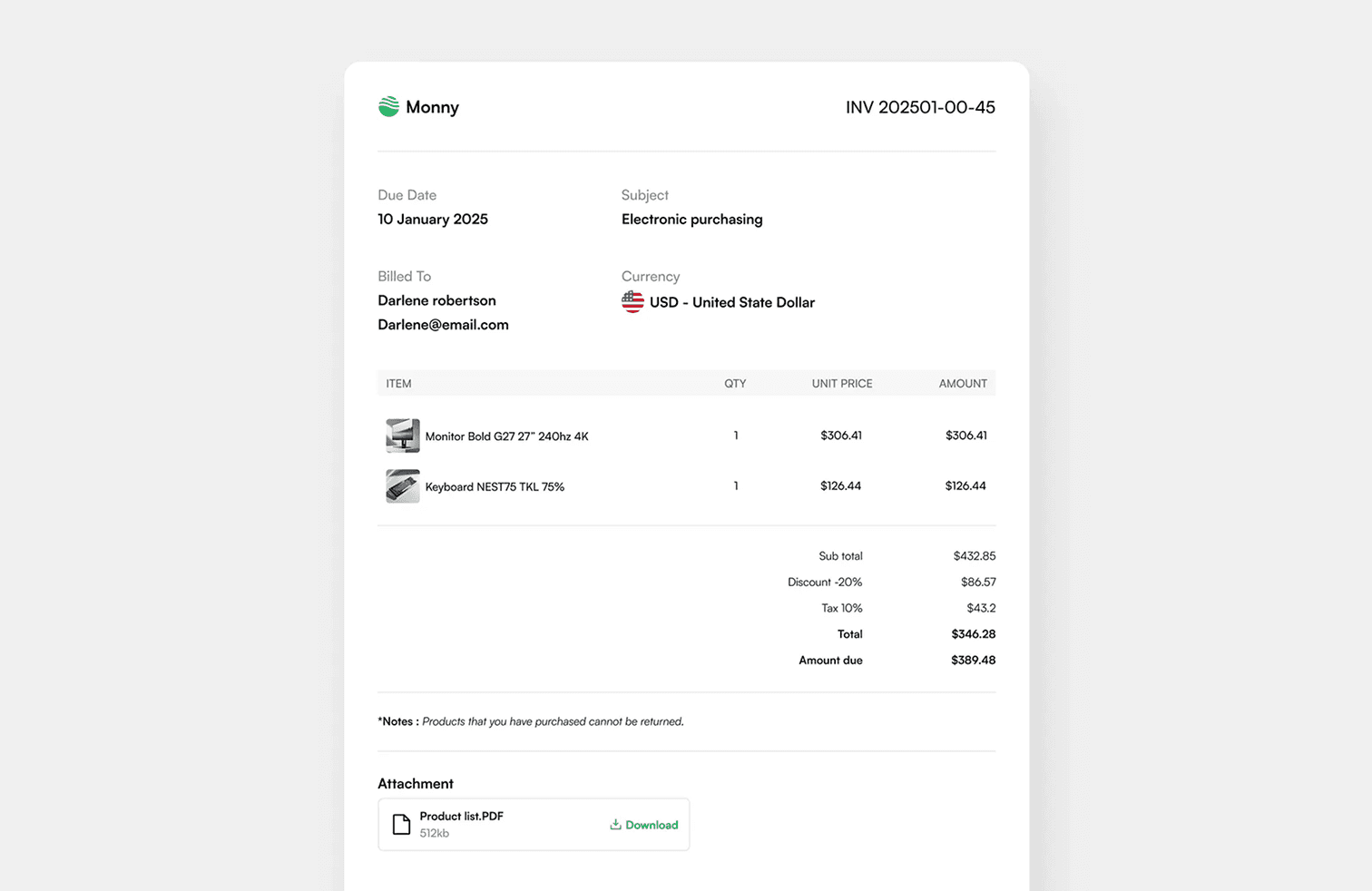
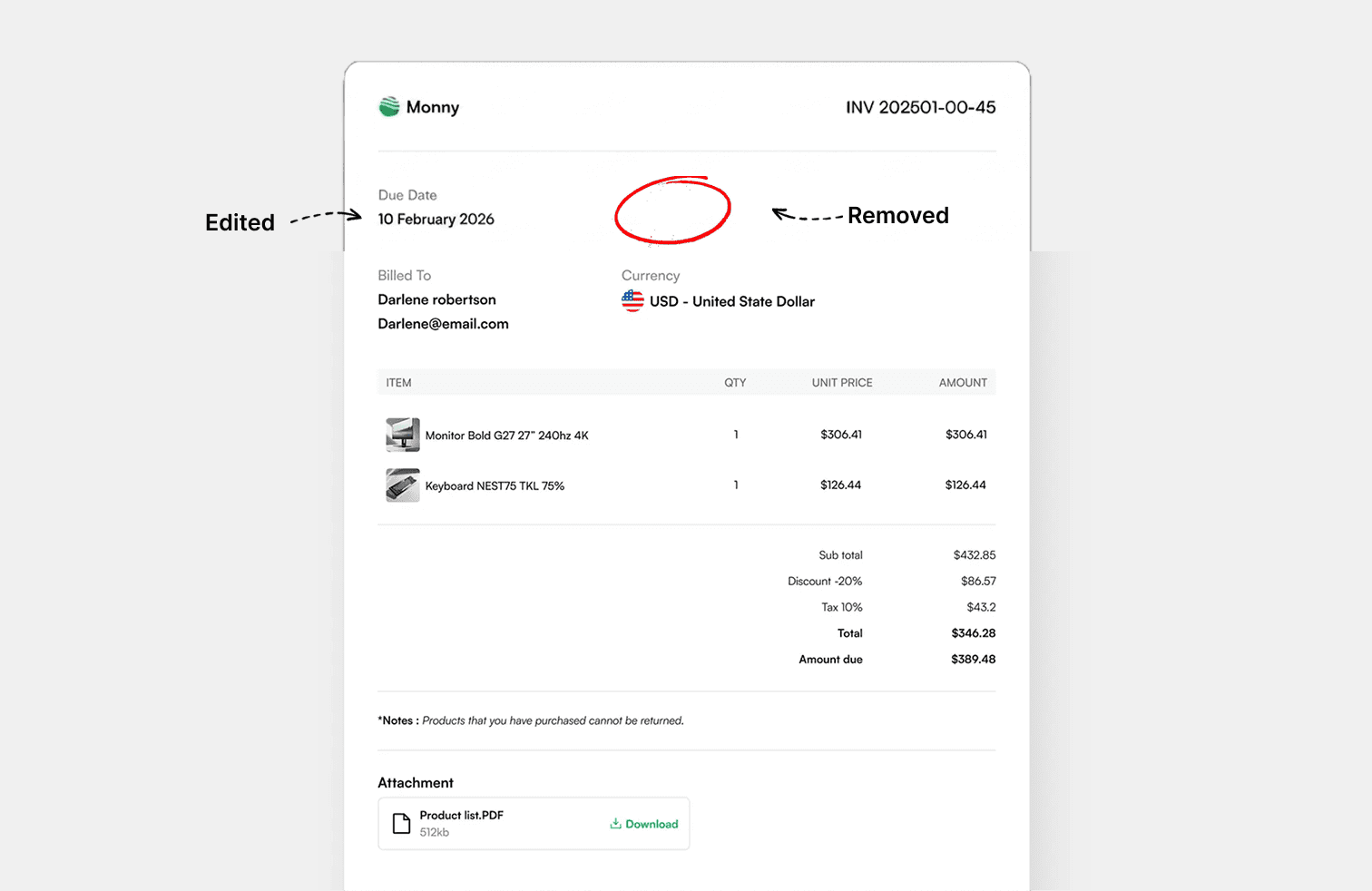
1 · 2 · 3
Drop in a JPG, PNG, WEBP or PDF, or paste a screenshot from your clipboard.
Every word is found for you. Click one, choose the word or its whole line, and type the replacement.
Save the result in the format you uploaded, or as PNG, JPG, WEBP or PDF.
Photo Text Editor
Signs, labels, posters and captions inside a photo are detected automatically. Click one and type to replace it.
Put a heading or caption anywhere on the photo and give it an outline or soft shadow so it stands out over bright or busy areas.
Pick clean sans serifs, classic serifs, bold display faces or handwriting styles, or upload your own font for a brand look.
Text is drawn at the photo's original resolution. Save as PNG for lossless quality or JPG for a smaller file.
Yes. Detected text can be replaced or removed. It works best when the text sits on a fairly even background such as a sign, label or wall.
It works, but a soft patch may be visible where the old text was. Keeping to single words or tight areas gives the cleanest result.
Yes. Use Upload Font in the text panel. The font stays in your browser.
No. The photo is not resized or recompressed until you choose a download format, and PNG is lossless.
Edit, remove and add text in images, right in your browser.