 ImageMaster
One click per word or line
Detected text lights up as you move over it. Click to remove a single word or a whole line, or clear every detected line at once.
Erase a caption, a date stamp or a label in a couple of clicks. The space is filled from the surrounding background.
Drop an image or PDF here, or paste one
JPG, PNG, WEBP or PDF, up to 25 MB
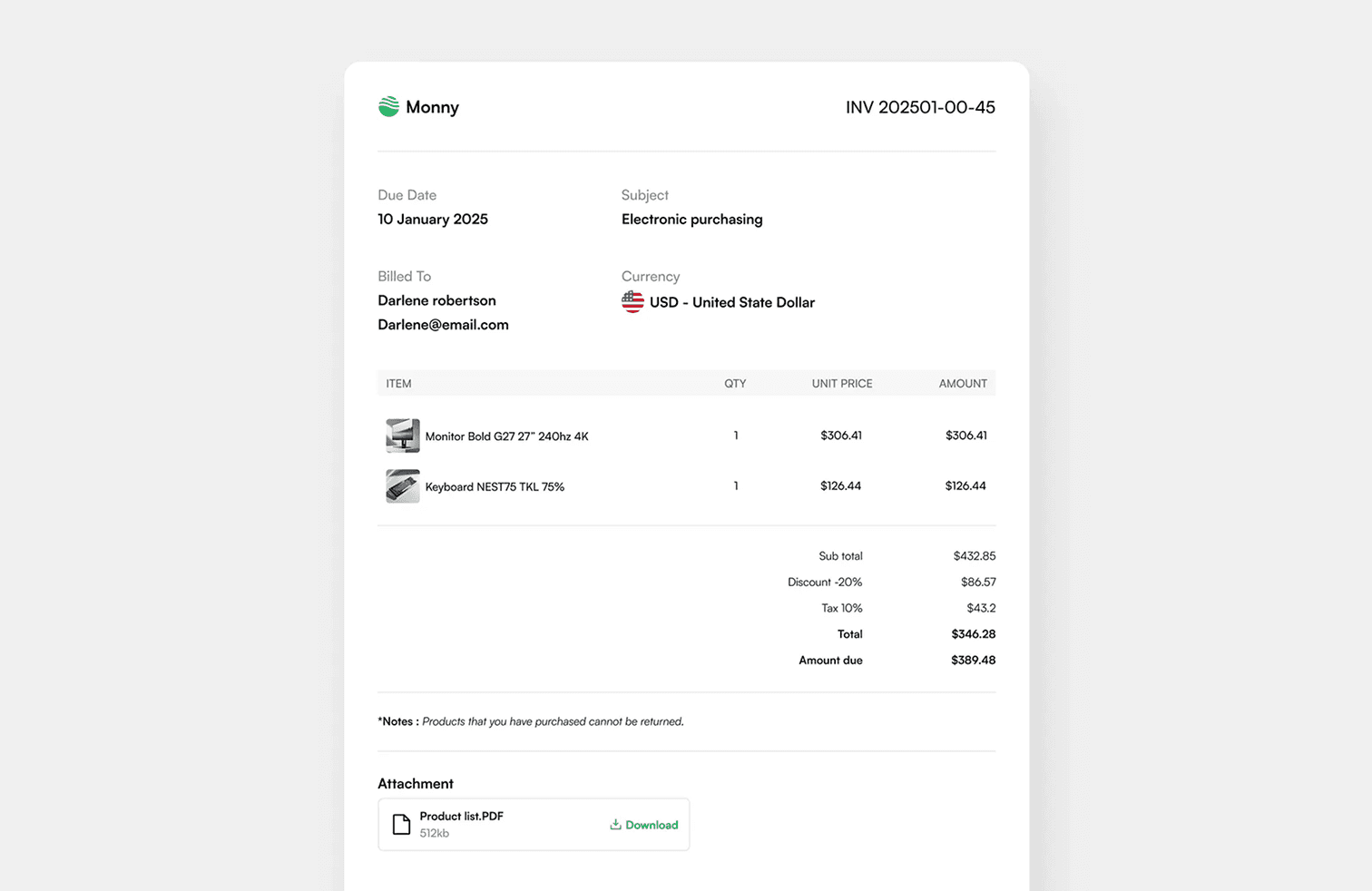
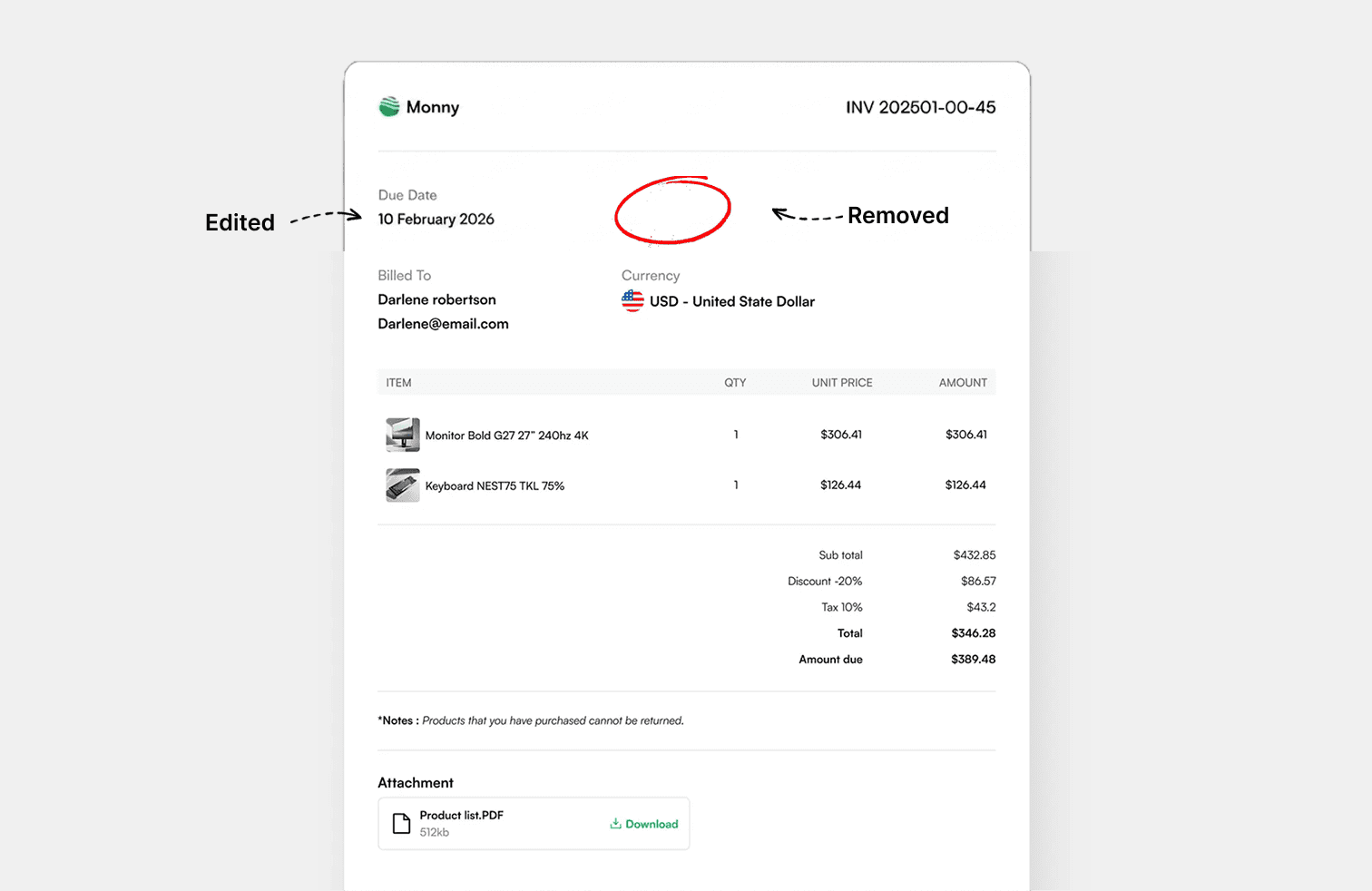
1 · 2 · 3
Drop in a JPG, PNG, WEBP or PDF, or paste a screenshot from your clipboard.
Every word is found for you. Click one, choose the word or its whole line, and type the replacement.
Save the result in the format you uploaded, or as PNG, JPG, WEBP or PDF.
Remove Text
Detected text lights up as you move over it. Click to remove a single word or a whole line, or clear every detected line at once.
Logos, stamps, handwriting and anything the detector missed can be removed by dragging a rectangle over it.
Each removal can be undone or restored later, and Compare shows the original while you hold it.
The fill is built from the colours around the removed area, so it is cleanest on flat colour and gradients. Keep boxes tight on busy photos.
Yes. Use "Remove all detected text" in the Removal panel, then restore any you want to keep.
It works, but a soft patch may be visible on detailed textures. Tight boxes give the best result.
Yes. Switch to Add and place new text over the cleaned area, or edit the text directly to replace it in one step.
Only from images you own or have permission to change. Removing someone else's watermark may break copyright law.
Edit, remove and add text in images, right in your browser.